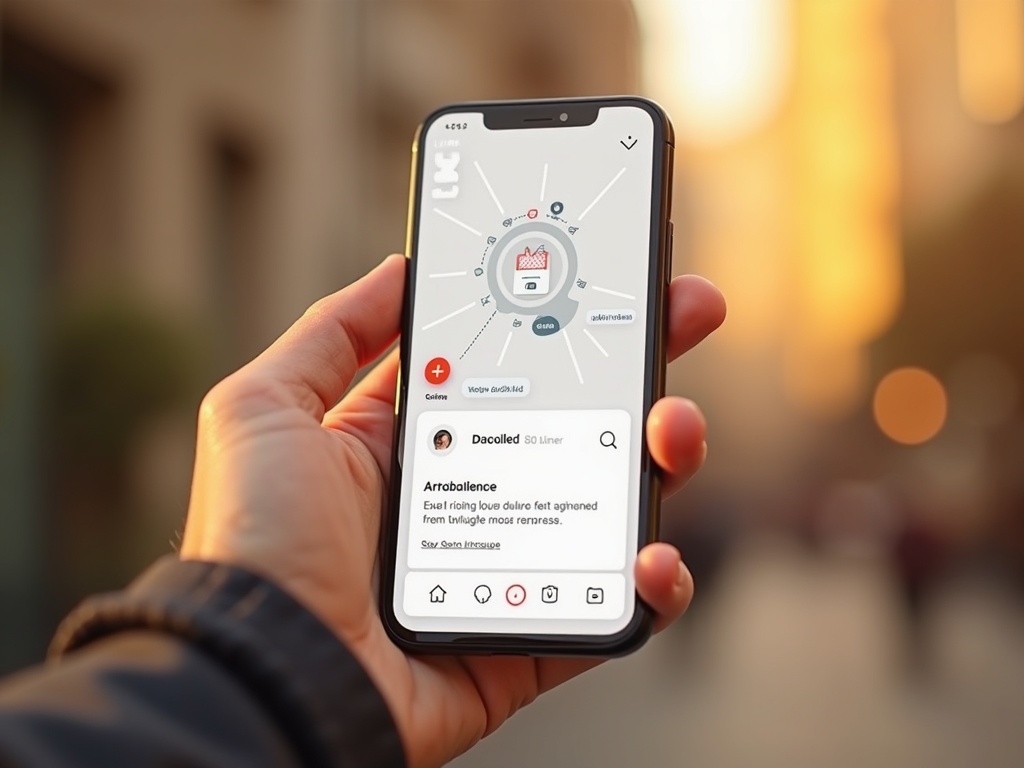
Mobile-First UX Prototyping: Map the Purchase Route in Valencia.
📱 Mobile-First: Absolute Priority
Design first for small screens. 58% of global web traffic comes from mobile (Statista).
🗺️ Purchase Route Mapping
Identify each user step: from discovery to conversion. Use customer journey maps.
🧪 Rapid Prototyping with Figma
Create interactive prototypes in Figma. Validate with real users in 48 hours.
📊 Key Metrics
Measure conversion rates, time on page, and cart abandonment. Optimize with A/B testing.
Discover how to design mobile-first prototypes that optimize your users' purchase route.
At SEO7, with 8 years of experience, we know that 70% of online purchases start on mobile (Statista). That's why mobile-first UX prototyping is key to mapping each user step. In this article, we show you how to do it with real tools and concrete data.
Design first for small screens. 58% of global web traffic comes from mobile (Statista).
🗺️ Purchase Route Mapping
Identify each user step: from discovery to conversion. Use customer journey maps.
🧪 Rapid Prototyping with Figma
Create interactive prototypes in Figma. Validate with real users in 48 hours.
📊 Key Metrics
Measure conversion rates, time on page, and cart abandonment. Optimize with A/B testing.
Quick answer
Mobile-first UX prototyping for mapping the purchase route consists of designing the mobile experience first, identifying each user touchpoint up to conversion. At SEO7 (Valencia) we use Figma to prototype, conduct user tests, and optimize with real data. 70% of purchases start on mobile, so this approach is critical to increase sales across Spain.
In this article, we will break down the mobile-first UX prototyping process applied to mapping the purchase route. First, you will understand why the mobile-first approach is indispensable today: more than 60% of ecommerce traffic comes from mobile devices (Think with Google). Then, we will show you how to identify friction points in the customer journey and how to create rapid prototypes with Figma. Additionally, we will include a practical case with data from an online store in Valencia that increased its conversion by 25% after redesigning its mobile purchase route. Finally, we will answer frequently asked questions about tools, timelines, and costs.
How to Prototype a Mobile-First Purchase Route?
Step by Step with Figma and User Testing
To prototype a mobile-first purchase route, first research your users' behavior. According to a Think with Google study, 53% of users abandon a site if it takes more than 3 seconds to load. Therefore, prototyping must prioritize speed and simplicity. At SEO7, we follow these steps: 1) Define the purchase route objectives. 2) Create a customer journey map with key touchpoints. 3) Design wireframes in Figma, starting with the mobile view. 4) Add interactivity with linked prototypes. 5) Conduct usability testing with 5 users (enough to detect 85% of problems, according to NN Group). 6) Iterate based on feedback. 7) Validate with metrics like conversion rate and cart abandonment. 8) Implement the final design with responsive frontend development.
Example of a mobile-first prototype in Figma for an online store.
1Research user behavior with tools like Hotjar.
2Define the purchase route objectives: what action do you want them to take?
3Create a customer journey map identifying mobile touchpoints.
4Design mobile-first wireframes in Figma, prioritizing key content.
6Conduct usability testing with 5 real users from your target audience.
7Analyze results and adjust the prototype based on issues found.
8Validate the final prototype with conversion metrics before development.
What Tools to Use for Mobile-First UX Prototyping?
Customer journey map for mobile with conversion indicators.
Tool Comparison for Mapping the Purchase Route
There are several tools for mobile-first UX prototyping, but the most used are Figma, Adobe XD, and Sketch. Figma stands out for its real-time collaboration and versatility. According to a UX Tools 2023 survey, Figma is used by 87% of UX designers. For mapping the purchase route, it is crucial that the tool allows creating interactive prototypes and sharing them easily. At SEO7, we recommend Figma for its integration with testing tools like Maze. Below is a comparison table with the main options.
Tool
Price
Collaboration
Interactive Prototyping
Figma
Free (basic) / $12/month (professional)
Yes, real-time
Yes, with animations
Adobe XD
Free (basic) / $9.99/month (CC)
Yes, via links
Yes, with transitions
Sketch
$99/year (individual license)
Yes, with plugins
Yes, but limited
How to Measure the Success of a Mobile-First Prototype?
Key Metrics and A/B Testing
To measure the success of a mobile-first prototype, focus on usability and conversion metrics. Task success rate is the most important: if users complete the purchase without issues, the prototype works. Other key metrics are time per task, error rate, and user satisfaction (measured with SUS). According to a McKinsey study, companies that optimize user experience increase revenue by 10% to 15%. Additionally, it is recommended to conduct A/B testing with the prototype against the current design to validate improvements. At SEO7, we use tools like Google Optimize and Hotjar to collect quantitative and qualitative data.
Expert opinion
«A prototype works if a person completes the path without once asking what to do next. Everything else is taste, and taste can be argued about forever.»
Evgenii Slepinin, Founder · Systems Architect · Lead Developer. Source
In Short: Mobile-First UX Prototyping to Map the Purchase Route.
Mobile-first UX prototyping is essential to optimize the purchase route, as 70% of online purchases start on mobile. At SEO7, with 8 years of experience and over 20 technologies, we guide you step by step: from user research to validation with A/B testing. We use Figma as the main tool and measure success with metrics like task success rate and conversion. Remember that a well-designed prototype can increase your sales by up to 25%. If you need help, contact us and we will respond within 24-48 hours.
Turnkey website
From a 12-page website to a 50-page corporate portal with CMS, from €450. Responsive layout, design and copy included, plus domain and hosting for the first year. A Start website is live in 3-5 days, Pro in 14-21 days and Max in 21-30 days.
The three tiers differ in volume, not in quality: 12, 30 or 50 pages and how deep the design work goes. The tech stack, loading speed and SEO groundwork are identical everywhere; we don’t cut corners on foundations. The site stays yours: domain, hosting and every login are registered in your name. A package costs less than the same work bought piece by piece: from 27 % on Start to 38 % on Max.
Website up to 12 pages
SEO7 Start
from€450
A full website of up to 12 pages: home, services, team, contacts and Spanish legal documents. Visible in Google and ChatGPT. Domain and hosting for a year included.
à la carte
€616
Discount
−€166
Timeline
3-5 days
Site prepared for AI visibility
Lighthouse 90+ out of the box
WhatsApp + Google Maps
Top
Website up to 30 pages with a blog
SEO7 Pro
from€790
A site of up to 30 pages with a blog and admin panel: edit copy and publish articles yourself. Keyword map, advanced analytics and a training call.
à la carte
€1160
Discount
−€370
Timeline
14-21 days
AEO: AI quotes your texts
CRM integration: leads straight to HubSpot/Pipedrive
Lead-gen bot (quiz)
Pro
Store with 30+ pages
SEO7 Max
from€1290
An online store with 30+ pages: filtered catalogue, cart, Stripe and Redsys payments, customer area. Two or three languages, a 24/7 AI assistant and CRM integration.
à la carte
€2084
Discount
−€794
Timeline
21-30 days
Hosting + Domain for 1 year included
EU legal pack (AEPD)
Bespoke custom design
Website up to 12 pages
SEO7 Start
from€450
A full website of up to 12 pages: home, services, team, contacts and Spanish legal documents. Visible in Google and ChatGPT. Domain and hosting for a year included.
à la carte
€616
Discount
−€166
Timeline
3-5 days
Site prepared for AI visibility
Lighthouse 90+ out of the box
WhatsApp + Google Maps
Top
Website up to 30 pages with a blog
SEO7 Pro
from€790
A site of up to 30 pages with a blog and admin panel: edit copy and publish articles yourself. Keyword map, advanced analytics and a training call.
à la carte
€1160
Discount
−€370
Timeline
14-21 days
AEO: AI quotes your texts
CRM integration: leads straight to HubSpot/Pipedrive
Lead-gen bot (quiz)
Pro
Store with 30+ pages
SEO7 Max
from€1290
An online store with 30+ pages: filtered catalogue, cart, Stripe and Redsys payments, customer area. Two or three languages, a 24/7 AI assistant and CRM integration.
à la carte
€2084
Discount
−€794
Timeline
21-30 days
Hosting + Domain for 1 year included
EU legal pack (AEPD)
Bespoke custom design
Shall we discuss your project?
A short brief, and we’ll come back with a plan and quote within 24-48 h. No pressure.